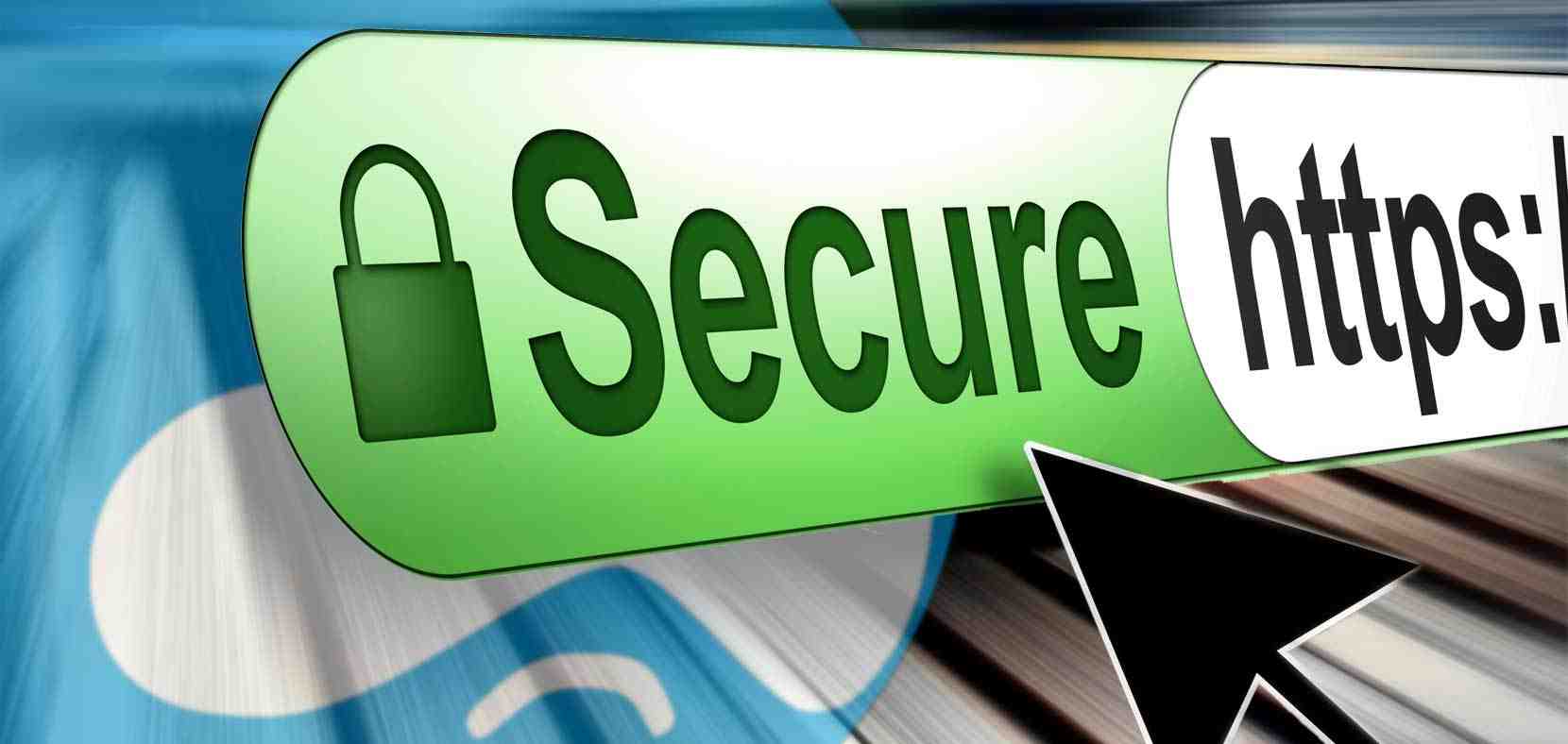
When you are surfing the internet, a lot of information is being exchanged between the web host and the device being used to surf the internet. This type of information can always be easily breached by hackers, especially if it involves online transactions and this has always been a major issue when dealing with the internet. Nowadays, cases of online theft are becoming increasingly popular. There is one way of determining whether a site is safe to use through an SSL Certificate which is powered by the beauty of cryptography.
How SSL Cryptography Works?
Cryptography ensures that data is transmitted in a means that only the intended party can access it. You can easily determine a site which has an SSL certificate by the padlock icon that is displayed beside the web address. So how do SSL certificates work? SSL in full is Secure Sockets Layer. An SSL certificate provides tight security during the exchange of data.
 |
| PadLock Icon Showing SSL Security |
In SSL cryptography, encryption makes use of separate keys for the decryption and encryption of data. Encryption keys are public and anyone can use them. But the decryption keys (ones used to turn encrypted data into meaningful information) are private and are kept secret. The SSL certificate, on the other hand, can simply be described as a tiny data file that has the appropriate information about a certain website. The information can be quickly read by the host connection once the request for connection is received. It is through an SSL that a website can prove its authenticity to a web browser.
How To Get SSL Certificate?

An SSL certificate is not handed out like a college certificate. There are a number of companies called Certificate Authorities (CA)that authenticate that a site/server is legitimate and sign a resultant digital certificate which is then stored, just like a cookie is stored on your browser. The certificate will continuously alert all incoming connections and protocols that the connection is trustworthy.
SSL Certificate Advantages

SSL certificates make online data-exchange, especially financial transactions, safer. It is a common rule of thumb not to trust any e-commerce site that does not have an SSL certificate. There is just too much information floating around online nowadays such as credit card info, banking information etc. The safety of all these vital information will be ensured by the SSL certificate, and every browser will accept the websites incoming connections. However, most small websites, such as blogs, don’t really need to supply an SSL certificate.
How to add an SSL certificate
This tutorial covers how to add an SSL certificate to a Virtual server.
You will need an IP address dedicated to this purpose -- you can obtain IP addresses from the ISP hosting your server.
This tutorial assumes you have first logged into Virtualmin.
- Choose the domain for which you would like to add the SSL Certificate. You can do that by selecting the domain name from the drop-down box on the top-left.
- Click 'Server Configuration' -> 'Change IP Address' (optional - you only need to perform steps 2-5 if you want a new IP address for this domain).
- Click the radio button next to 'Use private address' in the 'New IP address' section.
- Enter your Virtual Server's new private IP address you obtained for this SSL certificate in the 'Use private address' field.
- Click 'Change now'.
- Click
Edit Virtual Server. - Click
Enabled features. - Check the 'SSL website enabled?' checkbox.
- Click
Save Virtual Server.At this point, you have a self-signed SSL Certificate. That means your communications are secured, but since this certificate wasn't generated by a certificate authority, your users will receive a security warning every time they access the site.It's recommended that you get a commercial certificate -- the following steps detail how to obtain and install one. - Click
Server Configuration. - Click
Manage SSL Certificate. - Click
Signing Request. - Enter the domain name you wish to use for SSL in the
Server Namefield. - Enter your email address in the
Email Addressfield. - Enter your business name or organization in the
Organisationfield. - Click
Generate CSR Now - This next step you have to do on your own. Take the resulting "CSR", and take it to one of the many companies able to create SSL certificates. Have them use the CSR you made to generate your SSL Certificate.
- Click
New Certificate. - Paste in the contents of the SSL Certificate you received into the
Signed SSL certificatefield. - Keep the
Matching private keyprovided by Virtualmin. - Click
Install Now. - Optional: If your SSL provider gave you a CA Bundle, or Intermediate Certificate, you can install that using the CA Certificate tab.
You should now be able to access your site securely by using
https://example.com, where example.com is the domain name you used while generating your SSL Certificate.


Using the secure network is the only way no one is able to access the data that you want to secure. I am sure that it is going to be interesting when you are having a safe network to go through.
ReplyDelete